 Viral post research
 Performance analysis
 Auto-publishing
Search your niche
Enter a topic or keyword to discover TikTok and Instagram posts related to your search
Spot trending videos on TikTok and Instagram with Super Search. Analyze their angles, create your content, and schedule it for automatic publishing to your connected accounts.
5 free credits · One search · No credit card
Good references provide direction. Super Search helps you spot high-performing content to prepare a post that reflects you.
Enter a topic or keyword to discover TikTok and Instagram posts related to your search
Compare available views and interactions. Analyze references that deserve to inspire your next content.
Save your references to your library to find them when you create
A viral post is a lead, not a promise of results. Take an idea or an angle, then create your own version
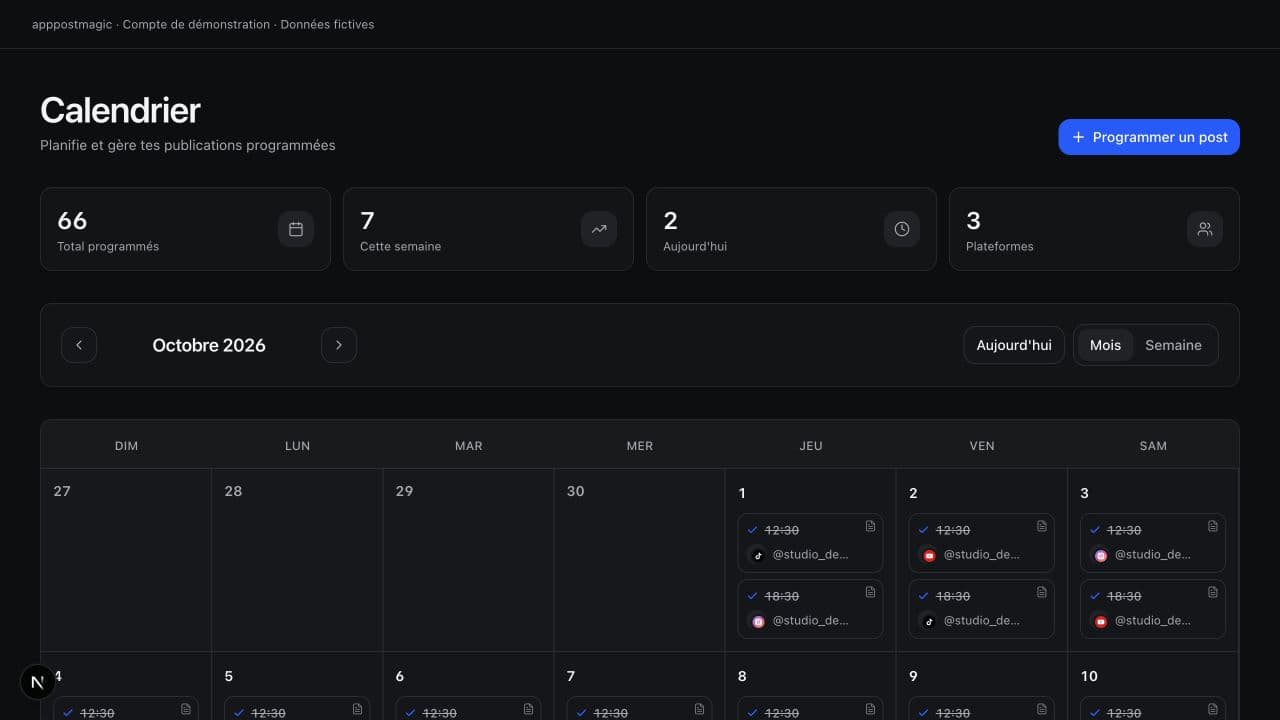
Upload your content, select your connected accounts, and choose the date. apppostmagic automatically publishes to selected networks, using supported formats.
Posted on TikTok
Morning routine, 3 tips
Posted on Instagram Reels
Same video, adapted caption
Scheduled for tomorrow 6 PM
YouTube Shorts, Behind the scenes
1,000 views reached
TikTok, Quick recipe
LinkedIn carousel in queue
Recommended slot: Tuesday 9 AM
New comment to address
Instagram, Morning routine
TikTok token automatically renewed
@studio.lea account
Video too long for X
2 min 40 sec out of 2 min 20 sec max, cut suggested
Post republished on Facebook
After network failure, 2nd attempt successful
Caption generated for 4 platforms
Hashtags and mentions adjusted
No more opening five apps to check if it's live. Every step appears in a single feed, and if a platform rejects a format, you know before the scheduled time, not the next morning.
Video, carousel, or story: prepare the format adapted to your message and check its preview before scheduling its publication.
Carousel
Up to 20 images


 7 slides
 Story
15 sec per sequence

Vertical video
9:16, up to 10 min

Import your videos or images, prepare your caption, and choose which networks to publish on.
Duration, ratio, number of images, caption length: limits are checked before sending, not rejected after.
Keep track of what inspires you and what you publish
Spot posts and compare available performance
Build your own version from saved references
Choose accounts and dates, then track publications
After research, it's time for your content: prepare your posts, organize their publication, and track the results.
Editor
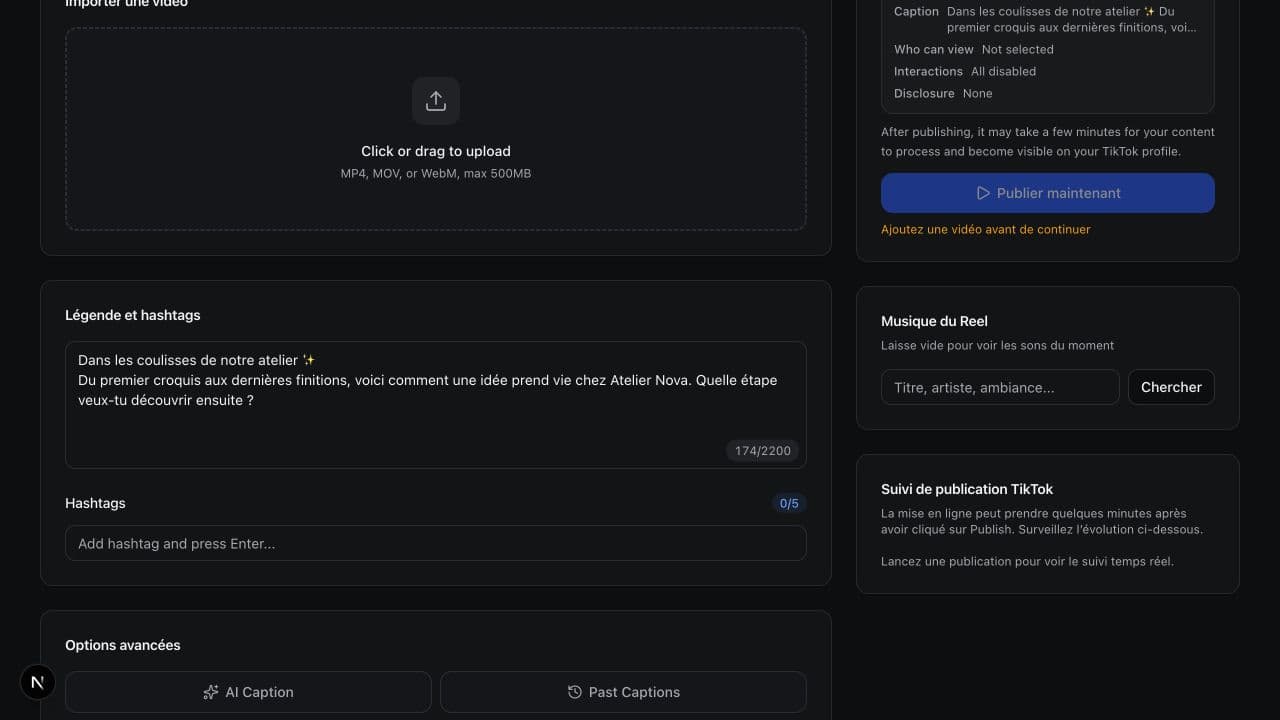
Keep good ideas from your research, prepare your visuals, and write your caption. Check the preview before scheduling your post.
Analytics
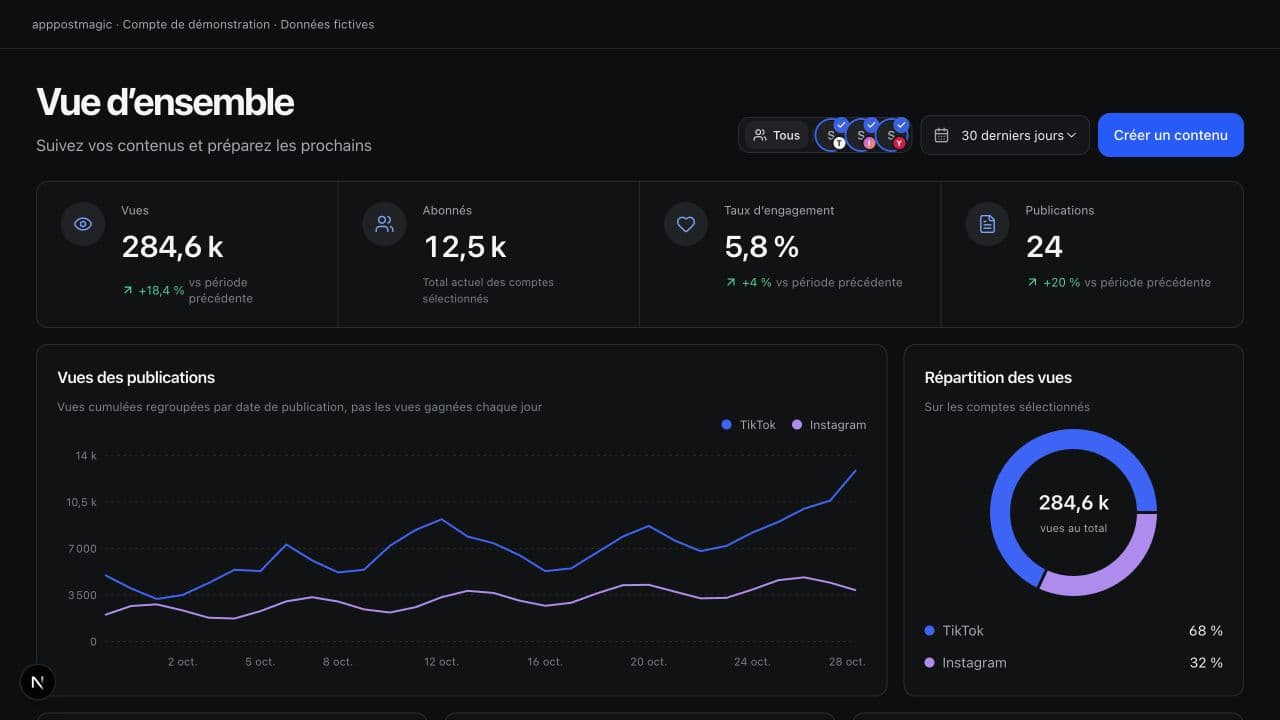
Views, subscribers, and engagement from each platform combined in one dashboard, so you can compare what works without opening five apps.
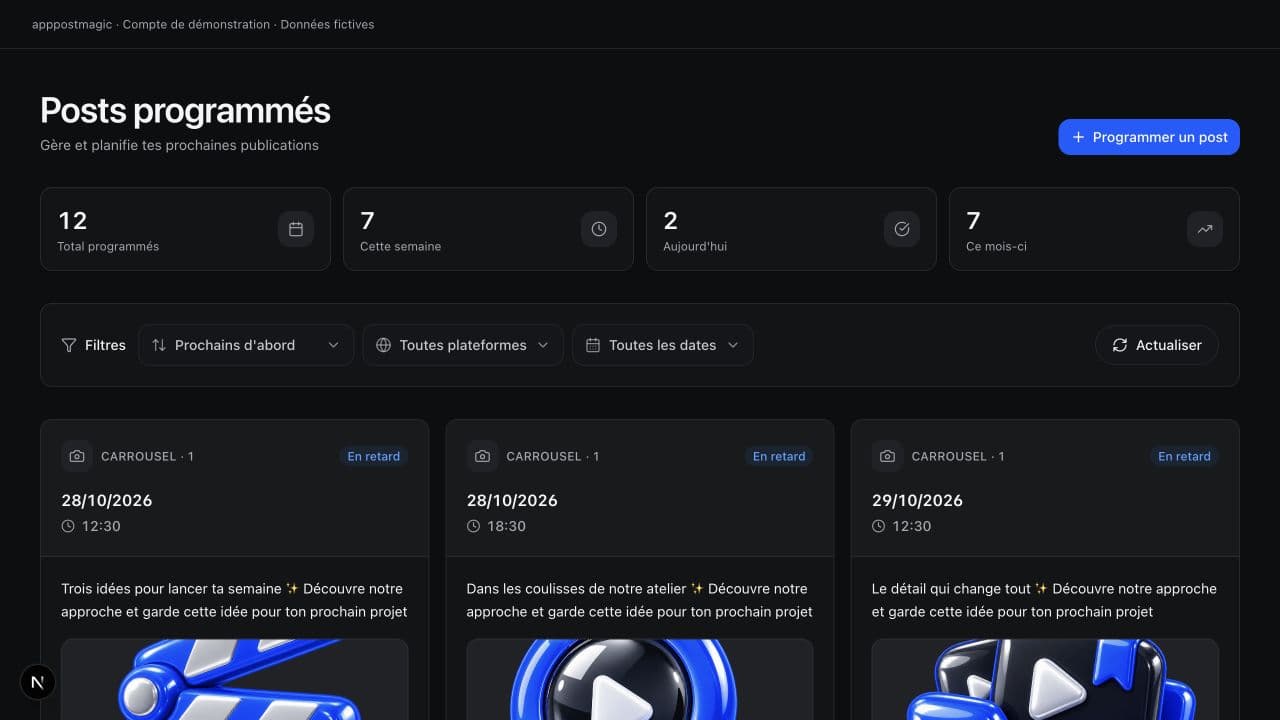
Queue
Drag your posts into the queue, PostMagic distributes them to your slots. The calendar shows the workload for each day at a glance.
Workspaces
Each workspace groups its accounts and team. Invite an editor or a read-only client without sharing your access.
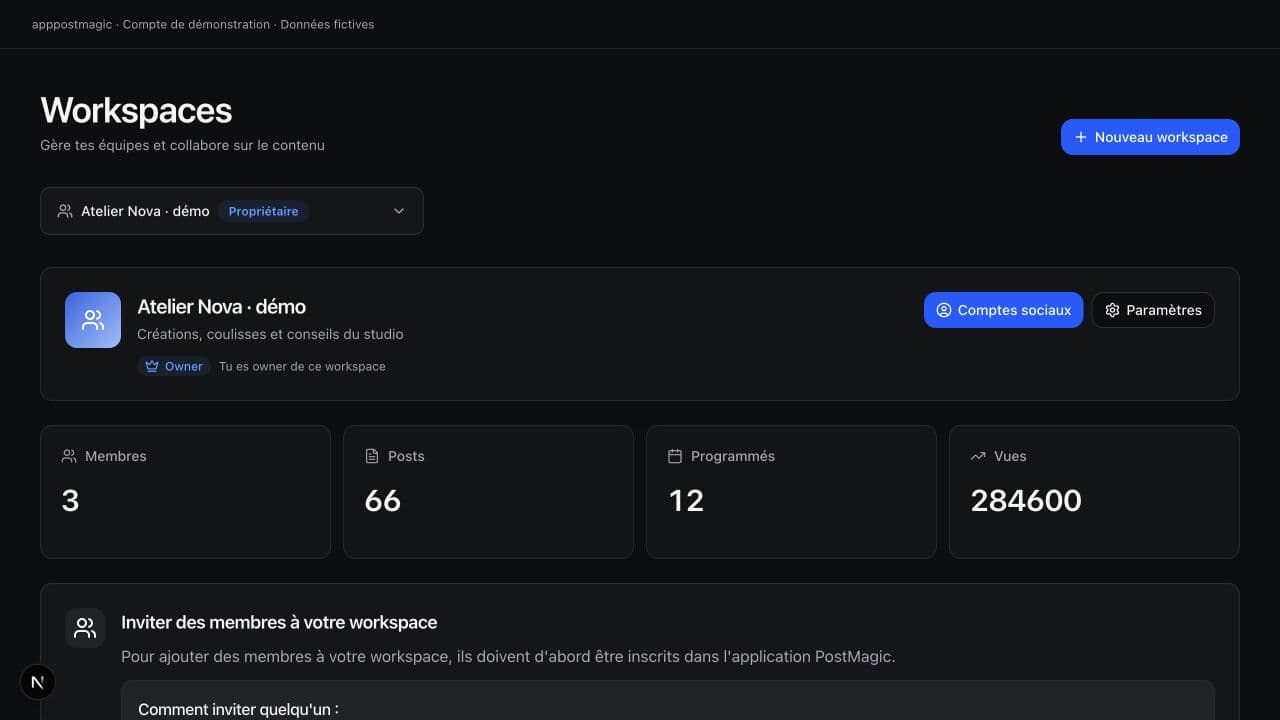
Whether you publish for yourself, your brand, or your clients, keep your references and publications in the same space
Creators
Search for references in your niche, keep the angles that resonate with you, and prepare multiple posts without starting from a blank page
Brands
Explore topics related to your product and see how other content approaches them. Then prepare your own demos, tips, and statements
Agencies
Build a library of references and organize content to publish. Workspaces help you separate accounts and teams
Teams
Combine idea research and post preparation, then schedule their delivery. Track statuses and results from your dashboard
If yours isn't here, the chat is at the bottom right
apppostmagic combines viral video research with social media publishing. Super Search helps you find TikTok and Instagram references, then you prepare your own content and schedule it to your connected accounts from the same dashboard.
Search for a topic or keyword on TikTok and Instagram, then compare available views and interactions. You can analyze references and save those that interest you to your library. Available searches and analyses depend on your plan.
No tool can guarantee virality. Super Search gives you references and data to choose your angles. Results also depend on your content, audience, and the network.
TikTok, Instagram (Reels, posts, and stories), YouTube (videos and Shorts), Facebook, X, LinkedIn, Threads, Pinterest, and Bluesky. We add more regularly, based on what creators request most.
Your new account receives 5 free credits, enough for one discovery search. You can browse a preview of the results without a subscription or credit card. See the Pricing page for each plan’s limits and features
Your passwords are never transmitted through PostMagic. The connection uses official platform APIs, and you can revoke access anytime, from PostMagic or from the network's settings.
You import your content, select connected accounts, and choose a date and time. apppostmagic handles automatic sending to the selected networks. You can find the status of each publication in your workspace.
Vertical and horizontal videos, images, carousels, stories, and text posts. Duration, ratio, and weight are checked before sending, so you do not discover a rejection the next morning.
Yes, in two clicks from the settings, with no commitment or hidden fees. Your access remains active until the end of the period already paid for.
Yes. Each workspace has its accounts and members, with roles: admin, editor, or reader. You can require validation before publishing to maintain control over what goes out.
Write to support@apppostmagic.com or use the in-app assistance in your workspace, specifying the problem encountered.
Find a reference with Super Search, prepare your content, and choose when to publish it. apppostmagic takes over on connected networks.
Research, creation, and scheduling in the same space